

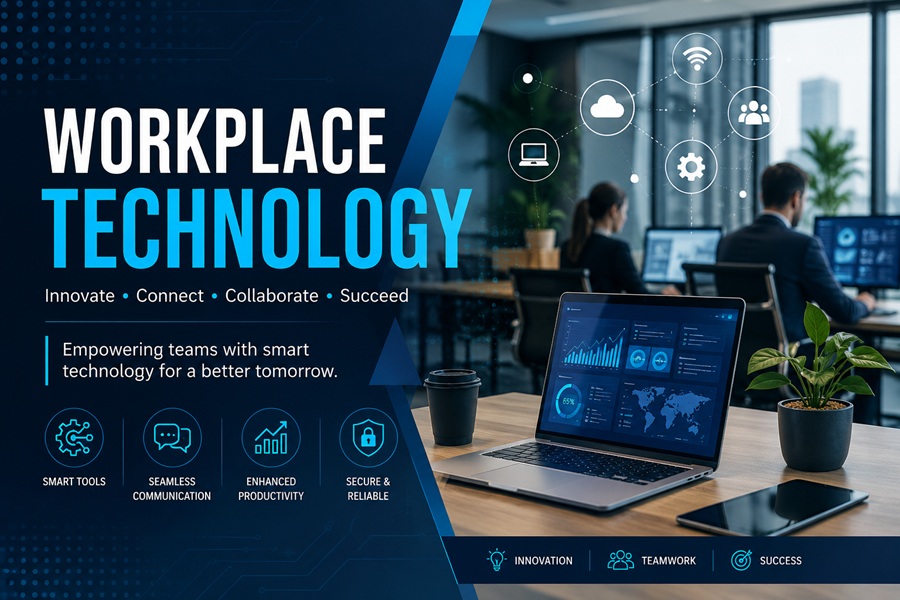
There’s a version of the workplace technology conversation that stays safely on the surface — collaboration tools, cloud storage, video calls. That version misses what’s actually happening. The deeper shift is about how technology is changing the structure of work itself: who makes decisions, how performance is measured, what skills matter, and what the physical and digital workplace even means anymore.
Businesses that treat workplace technology as a procurement question — what software should we buy? — tend to get less from it than those that treat it as an organizational question: how do we want work to actually function?
The Tools That Now Define the Modern Workplace
Walk into most knowledge-work environments today and a recognizable stack of tools has taken hold. Communication runs through platforms like Slack or Microsoft Teams. Projects live in Asana, Monday.com, or Notion. Documents are stored and collaborated on in the cloud. Meetings happen on Zoom or Google Meet as often as they happen in person.
This consolidation around a core set of platforms happened fast — particularly between 2019 and 2022. The pandemic compressed what might have been a decade of gradual adoption into roughly 18 months. Many organizations were still running on email threads and shared network drives when remote work became mandatory overnight. They adapted quickly out of necessity, and most haven’t gone back.
The result is a workplace where asynchronous communication has become the default rather than the exception, and where the physical office — where it still exists — functions more as a collaboration space than a place where individual work gets done.
Beyond Collaboration: Where Workplace Tech Is Heading
The collaboration layer is largely settled. What’s moving fast now is everything underneath it.
Automation of routine work. Robotic process automation (RPA) tools are handling repetitive, rule-based tasks that previously consumed hours of employee time — data entry, invoice processing, report generation. This isn’t eliminating jobs wholesale, but it is changing what those jobs look like on a day-to-day basis.
AI-assisted decision making. From HR platforms that flag flight-risk employees to sales tools that score leads automatically, AI is inserting itself into decisions that used to belong entirely to humans. The quality of those recommendations varies considerably, and organizations are still working out where human judgment should override algorithmic suggestions — and where it shouldn’t.
Workplace analytics. Sensors, badge data, calendar analysis, and software usage monitoring are giving employers unprecedented visibility into how work actually happens versus how it’s supposed to happen. This data can be genuinely useful for space planning and resource allocation. It also raises real questions about employee privacy and surveillance that haven’t been resolved across the industry.
Unified communications and device management. The line between IT infrastructure and workplace experience has blurred. Managing a distributed workforce means managing dozens of different device configurations, network environments, and security postures — simultaneously.
The Productivity Paradox
Here’s what the technology industry doesn’t always advertise: more tools don’t automatically produce more output. Researchers have documented what’s sometimes called the productivity paradox — the observation that despite massive investment in workplace technology, measurable productivity gains have been uneven and often disappointing at the organizational level.
Part of the problem is tool sprawl. When employees are expected to monitor email, a team chat platform, a project management tool, a CRM, and a document system simultaneously, the cognitive overhead becomes substantial. Switching between applications, managing notifications, and keeping context across multiple systems consumes time and attention that doesn’t show up in any ROI calculation.
The organizations seeing genuine productivity gains from workplace technology tend to share a common trait: deliberate implementation. They don’t adopt tools because competitors are using them. They identify a specific friction point in how work gets done, find a tool that addresses it, and retire the tools it replaces.
The Human Side of Workplace Technology
Technology decisions made at the organizational level have direct effects on individual employee experience — and that connection doesn’t always get enough attention during the procurement process.
Poorly implemented monitoring tools erode trust. Constant connectivity expectations enabled by mobile work tools create burnout. Platforms that were designed for one work culture can feel alienating when dropped into another. The technology itself is rarely the problem; it’s the assumptions baked into how it gets rolled out.
Organizations getting this right tend to involve employees in technology decisions earlier — not as a formality, but because the people doing the work have the most accurate picture of where friction actually lives.
What the Data Says About Adoption and Impact
According to research published by the MIT Sloan Management Review, companies that invest in workplace technology alongside organizational redesign — changing how teams are structured and how work flows, not just which tools they use — consistently outperform those that layer technology onto existing processes without adjustment.
The tool is the easy part. The harder work is the organizational thinking that has to surround it.
Where This Goes Next
Generative AI is the current frontier. Every major workplace platform is embedding AI-assisted features — writing aids, meeting summaries, automated workflows, predictive analytics. Some of these will prove genuinely useful. Others will add to the noise.
The organizations that navigate this well will be the ones asking the right question upfront: not “what can this technology do?” but “what problem are we actually trying to solve, and is this the right way to solve it?”
That’s not a new question. But in an environment where new workplace tools launch constantly and vendor marketing is relentless, it’s one that needs asking more deliberately than ever.
